
A professional payslip is a clear record of what an employee earned, what was deducted and what they took home. Since 1 January 2026, the Nigeria Tax Act 2025 has set the PAYE bands that sit behind those numbers. The first ₦800,000 of annual taxable income is taxed at 0%, and rates then rise from 15% to 25%. Pension under the Pension Reform Act 2014 adds an 8% employee share and a 10% employer share.
Every one of those figures has to show up correctly on the page. This guide explains what a professional payslip needs and how to create one in minutes, so you can decide whether a generator beats your current method.
If you want the full field list first, read our guide to what a standard payslip should contain.
What Makes a Payslip Professional
A professional payslip is accurate, consistent and easy to read. It is not about fancy design.
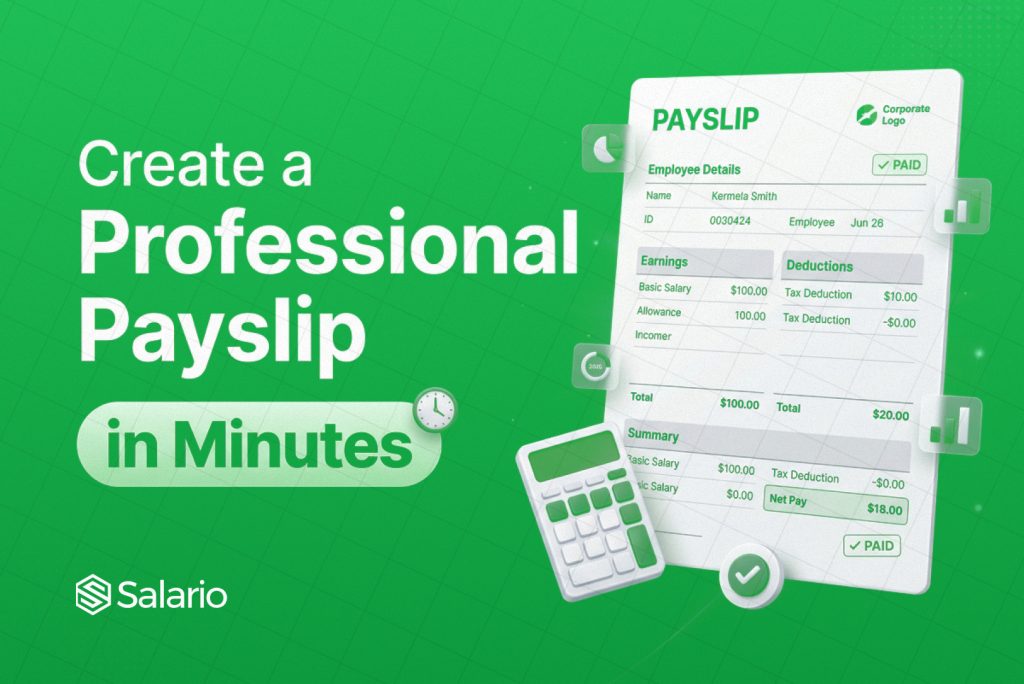
It shows the employer’s name, address and logo at the top. It names the employee and gives a staff ID, job title and department. It states the pay period and lists earnings line by line: basic salary, housing, transport and any bonus or overtime. Then it shows gross pay, each deduction with a label, and net pay as the most visible figure.
Employer pension sits on its own line as a company contribution. It never reduces take-home pay.
Why Spreadsheets and Word Templates Fall Short
Many Nigerian businesses build every employee payslip by hand in Excel or Word. It works until the team grows.
A copied template carries last month’s figures into this month’s file. A changed formula breaks one row and nobody notices. Layouts drift, so each employee payslip looks different from the last one. Meanwhile, PAYE now involves rent relief, which is 20% of annual rent paid and capped at ₦500,000, plus pension and other deductions that employees must claim in writing. Doing that arithmetic manually, for every person, is where errors creep in.
A generator removes the layout work and the repeat calculations. You enter the data once and get the same clean format every time.
Create a Professional Payslip in 5 Steps
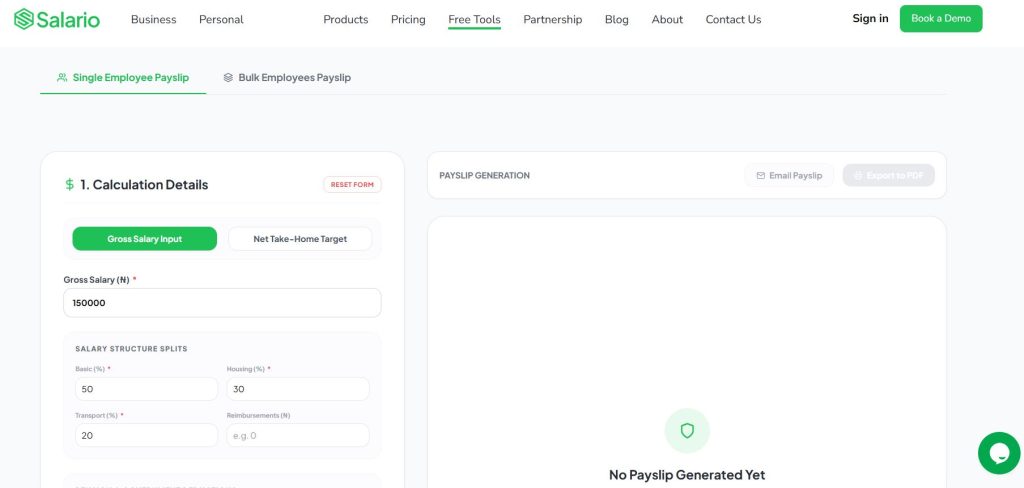
- Open the generator. Go to Salario’s official payslip generator and choose single employee mode.
- Start from gross pay or net pay. Enter the approved gross salary, or the take-home amount you want to hit and let the tool work backwards.
- Add pay items. Enter basic salary, housing and transport, then any reimbursements. Add pension, NHF where the employee has agreed to it, health insurance and monthly rent if relief applies.
- Add company and employee details. Include your logo, company address, employee name, staff ID, department, email and pay period.
- Review and download. Check that gross pay minus deductions equals net pay. Then download the PDF or email it to the employee.
The whole process takes a few minutes once your payroll figures are approved.
Single or Bulk: Which Fits Your Business
Use single mode for a new hire, a mid-month change or a one-off request, such as a letter for a visa or a loan application.
Use bulk mode when you pay a team. Download the sample CSV, add one employee per row and upload it. Then review the imported records, fix any errors and download or email every payslip. Salario’s own guide notes that bulk features require an account connection, so set that up before payday, not on it.
If your payroll already lives in a spreadsheet, our guide to generating employee payslips from Excel shows the export step by step.
Check Every Employee Payslip Before You Send It
A tool formats and calculates. It cannot know whether a salary, relief or deduction was approved. That decision stays with you, so run these checks first.
Confirm that the net pay reconciles. Match each deduction to a written basis, such as a signed form for pension or NHF. Mask sensitive details, so show the last four digits of an account and never a full NIN, BVN or tax ID. Then send the payslip privately.
Keep a copy of every payslip and the data behind it. The Nigeria Tax Administration Act 2025 requires employers to retain payroll records for at least six years. Also remember that a payslip does not prove a transfer went through. Confirm payouts separately.
Compare Your Options Before You Decide
You may already be weighing a few tools. We compared six options, covering single and bulk creation, PAYE and pension handling, branding and downloads, in our list of the best payslip generators for employees in Nigeria. Salario’s tool is free, handles gross-to-net and net-to-gross conversion, and supports both single and bulk payslips.
Generate a Payslip Today
A professional payslip builds trust, protects your records and saves your team hours every month. You now know what it must contain, how to create one and what to check before it goes out.
Do not wait for the next payday to find the gaps in your current process. Gather your approved payroll figures, then generate a payslip with Salario and download a clean, professional PDF in minutes.