

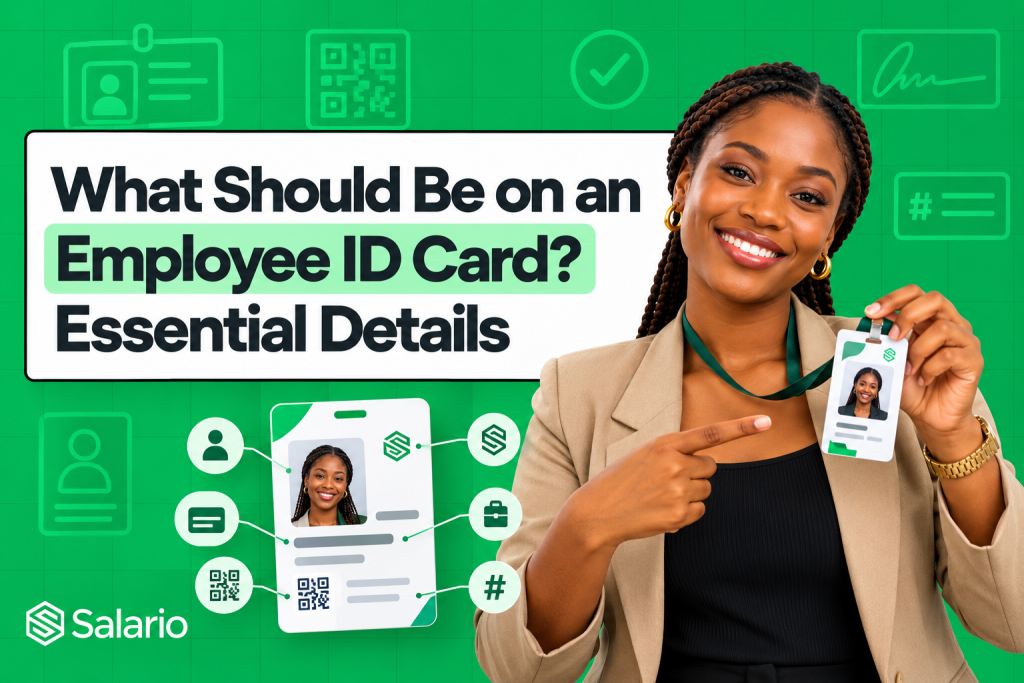
What should be on an employee ID card? At minimum, it should contain the company’s name or logo, a clear employee photograph, the employee’s full name, a unique staff ID number, job title, and department. Depending on how the organisation uses the card, it may also include an issue or expiry date, QR code, barcode, authorised signature, and return-if-found instructions.
The goal is not to fill every available space. A good staff ID card allows colleagues, customers, visitors, and security personnel to identify the employee quickly without exposing unnecessary personal information.
This guide explains which details belong on the front and back, which fields are optional, what employers should leave out, and how to create consistent employee cards without designing every one manually.
What Is an Employee ID Card?
An employee ID card is a physical or digital credential issued by an organisation to identify a member of its workforce. It commonly shows the employee’s face, name, staff number, and role alongside the employer’s branding.
Companies use employee cards to:
- Help staff, customers, and security teams identify authorised workers
- Distinguish employees, contractors, visitors, and vendors
- Support access control, attendance, or internal verification systems
- Present a consistent and professional company image
- Connect the cardholder to an HR or staff record
An employee card is not automatically a secure access credential. A printed name and photo may support visual identification, while electronic door access, attendance, or identity verification requires a properly configured QR code, barcode, magnetic stripe, NFC chip, or connected system.
It is also not a substitute for a government-issued identity document. Employers should describe it as a company or staff ID and avoid layouts that could make it look like a national identity card, driver’s licence, or official government credential. The key question is, what should be on an employee ID card?
Essential Details to Include on an Employee ID Card
1. Company name and logo
The issuing organisation should be immediately clear. Place the official company name or logo in a prominent position and use the same approved branding across all employee cards.
If the business operates several subsidiaries, branches, or brands, identify the actual employing entity or relevant operating company. A logo alone may not be enough when different entities use similar branding.
2. A clear employee photograph
The photograph is one of the most important identification elements. It should show the employee’s face clearly and resemble their current appearance.
Use:
- A recent, front-facing head-and-shoulders photograph
- Good, even lighting
- A simple and consistent background
- Similar framing and image quality for every employee
- A high-resolution file that remains sharp after printing
Avoid social-media crops, heavily filtered images, distracting backgrounds, group photographs, or pictures in which the employee’s face is partly covered. Establish one photo standard before collecting images for a bulk card run.
3. Employee’s full name
Display the name used in the organisation’s official HR record. It should be large enough to read quickly without placing the card close to the viewer’s face.
Choose one naming convention and apply it consistently. For example, the company may use first name and surname, or first name, middle initial, and surname. A preferred name may be added where it helps daily identification, but it should not create confusion about the employee’s official record.
4. Unique employee ID number
Every employee should have a unique staff number. The number distinguishes people with similar names and connects the card to payroll, attendance, access, and HR records.
Use an internal identifier such as SAL-LAG-0042, not the employee’s NIN, BVN, tax number, pension number, phone number, or date of birth. Keep the format consistent and do not reissue a former employee’s number to a new hire.
If your organisation has not assigned staff numbers, Salario also provides a free employee ID number generator for creating standardised individual or bulk IDs.
5. Job title or role
The job title helps people understand why the employee is present and what responsibility they hold. This is particularly useful for customer-facing roles, field teams, hospitals, schools, events, and workplaces with restricted areas.
Use a recognisable title such as Customer Support Officer, Site Engineer, or Registered Nurse rather than an unexplained internal code. Update the card when a role changes materially.
6. Department, team, or unit
The department provides useful context in medium and large organisations. Examples include Human Resources, Finance, Engineering, Operations, Sales, or Customer Success.
For a small business, the department may add little value and can be omitted. For an organisation with several locations, a branch or location code may be more useful than the department.
7. Employment category where necessary
Some workplaces need to distinguish permanent employees from contractors, interns, temporary workers, volunteers, vendors, or visitors. Where the distinction affects access or supervision, show the category clearly through text, a colour band, or a separate card design.
Do not use colour alone. Add a readable label such as Employee, Contractor, or Visitor so the difference remains clear to people with colour-vision difficulties and on black-and-white copies.
8. Issue date or expiry date
An issue date shows when the card entered use. An expiry date makes it easier to identify cards that should no longer be accepted, particularly for contractors, temporary staff, regulated environments, and time-limited site access.
If the company does not use expiry dates, it still needs a documented process for deactivating and recovering cards when an employee leaves, changes role, or reports a card lost.
9. QR code or barcode
A QR code or barcode can make the card easier to verify or use operationally. It may contain or point to:
- A secure employee-verification page
- A unique staff number
- An approved employee profile
- An attendance or access-control record
- The company’s official website or contact page
Avoid encoding sensitive personal information directly in the code. Anyone with a phone may be able to scan a visible QR code. A safer approach is to link to a controlled verification page that reveals only the minimum information needed, such as the employee’s name, photograph, company, and current active or inactive status.
Test every code after printing. A code that works on a screen may fail when it is too small, poorly contrasted, distorted, or printed on a glossy surface.
10. Authorised signature or validation mark
An authorised company signature can provide an additional visual indication that the card was issued through an approved process. This may be the signature of an HR manager, administrator, or authorised officer.
A printed signature is not a strong security feature by itself because it can be copied. Combine it with controlled issuance, a unique employee number, an expiry policy, or digital verification where the risk justifies it.
What Should Go on the Back of an Employee ID Card?
The front should remain easy to scan. Place secondary details and instructions on the back, such as:
- Company address, website, or official telephone number
- Return-if-found instructions
- Card issue or expiry date
- Authorised signature
- QR code or barcode
- A brief statement that the card remains company property
- Emergency or safety instructions relevant to the workplace
A simple return notice may read:
This card is the property of [Company Name]. If found, please return it to [office address] or contact [official phone number].
Do not put an employee’s home address or private phone number in the return instructions. Use an official company contact instead.
Optional Details: Include Only When They Serve a Clear Purpose
Not every card needs every field. The following details may be useful in specific environments:
- Branch or work location: Helpful for companies with several offices or sites.
- Emergency contact information: Prefer a central company or security contact over a relative’s personal number.
- Blood group: Sometimes requested in field or safety-sensitive workplaces, but it is sensitive health information and should not be displayed casually or relied on as the sole source for medical treatment.
- Professional qualification: Useful where customers must identify licensed or certified personnel.
- Access level: A broad label may be useful, but avoid printing technical access rules that could help someone bypass security.
- Employee email or work phone: Appropriate for customer-facing or field roles when the details are official business contacts.
Before adding an optional field, ask whether the cardholder needs it, whether the viewer needs it, and what harm could result if the card is lost or photographed.
What Should Not Be on an Employee ID Card?
An employee card is visible in offices, public spaces, photographs, and security checkpoints. It can also be lost. Do not treat it like a private HR record.
Generally avoid displaying:
- Full NIN or BVN
- Bank name or account number
- Tax identification or pension number
- Home address
- Personal email address or phone number without a clear need
- Full date of birth
- Salary or payroll information
- Passwords, PINs, or access codes
- Detailed medical information
- Disciplinary or performance information
- A QR code containing a complete employee record
Nigeria’s data-protection framework requires personal data to be adequate, relevant, and limited to what is necessary for its purpose. That data-minimisation principle is a useful test for every field: if the card still works without the information, consider leaving it out.
Recommended Employee ID Card Size and Layout
Many organisations use the ID-1 format, the familiar bank-card size. The current ISO/IEC 7810 standard covers the physical characteristics and dimensions of identification cards; the widely used ID-1 dimensions are approximately 85.60 mm × 53.98 mm.
Whether the card is portrait or landscape, follow these design principles:
- Make the photograph and employee name easy to find
- Use high contrast between text and background
- Avoid very small type
- Leave safe margins around text, photos, and codes
- Limit the design to one or two readable fonts
- Keep decorative graphics away from essential details
- Use consistent logo placement and colours
- Reserve the back for secondary information
- Print a physical sample before producing the complete batch
The card should still be understandable when viewed quickly. A visually impressive design that hides the name, role, or photograph is not an effective employee credential.
Create Employee ID Cards Without Designing a Template
Salario’s free employee ID card generator provides a structured way to add the essential information without building a card from scratch.
You can enter the employee’s name, staff number, job title, department, work contact details, joining date, and approved optional information. You can also upload the employee photo, company logo, and authorised signature; choose from 12 professional templates; customise the colours; and add a QR code or Code 128 barcode.
The result can be downloaded as a high-resolution PNG, JPG, or front-and-back PDF. The tool uses the standard ID-1 card ratio and does not require an account.
For several employees, download the spreadsheet template, add one employee per row, and upload the completed Excel or CSV file. Salario can apply the chosen design to the employee records and generate a multi-page PDF, removing the need to duplicate and edit every card manually.
Employee ID Card Checklist Before Printing
Before approving the final cards, confirm that:
- The company name and logo are correct
- Each photo belongs to the right employee
- Names, staff numbers, roles, and departments match HR records
- No employee ID number is duplicated
- Optional personal data has a valid business purpose
- Every QR code or barcode scans correctly
- Issue and expiry dates are accurate
- Front-and-back orientation is correct
- Text remains readable at the final printed size
- The printer’s bleed, margin, and file requirements are satisfied
- Lost-card, replacement, expiry, and offboarding procedures are documented
For a bulk run, print and inspect one sample before producing the remaining cards.
Final Thoughts
So, what should be on an employee ID card? Include enough information to identify the employer and employee quickly: the company name or logo, employee photograph, full name, unique staff number, role, and department. Add expiry dates, signatures, QR codes, barcodes, and return instructions only where they support a real operational purpose.
The best employee card is clear, consistent, easy to verify, and careful with personal data. It should never become a miniature copy of the employee’s full HR file.
Create a professional employee ID card free with Salario. Choose a template, add your company branding, generate one card or upload an Excel or CSV employee list, and download print-ready files without designing the layout yourself.